
Weke VPN
Keep secure nodes and access profiles easy to operate
Weke VPN gives teams visibility into secure nodes, access profiles, device connectivity, and operational status before a network issue turns into downtime.
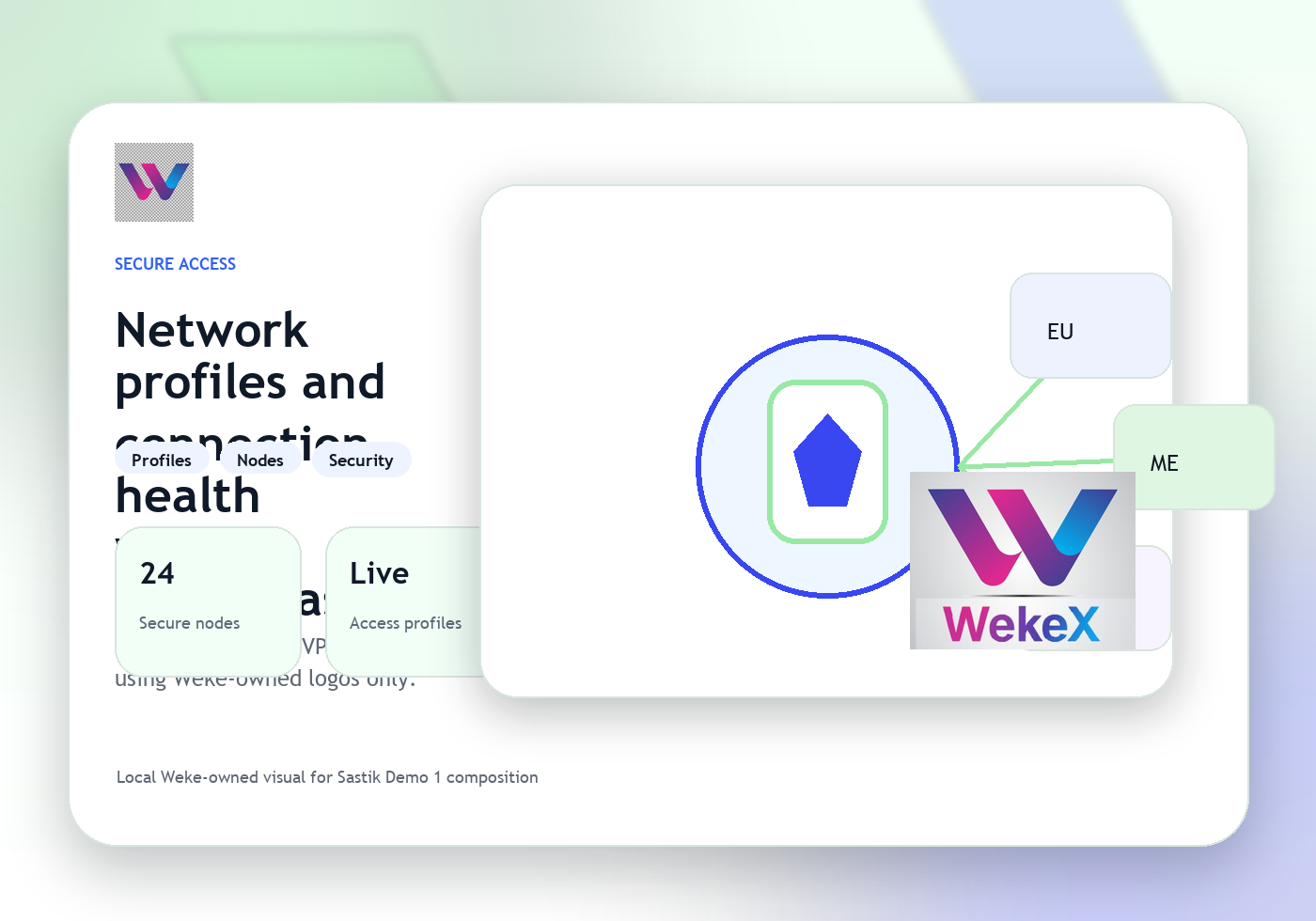
Keep device connectivity tied to the right profile
Route the next network action into the right team
Weke VPN
Weke VPN Features
Review the workflows, controls, and day-to-day operating detail behind Weke VPN for node state, access profiles, device connectivity, and secure-network operations.
See secure nodes and profile state together
Operators can understand node health, active access profiles, and where a connectivity issue is starting before it spreads.
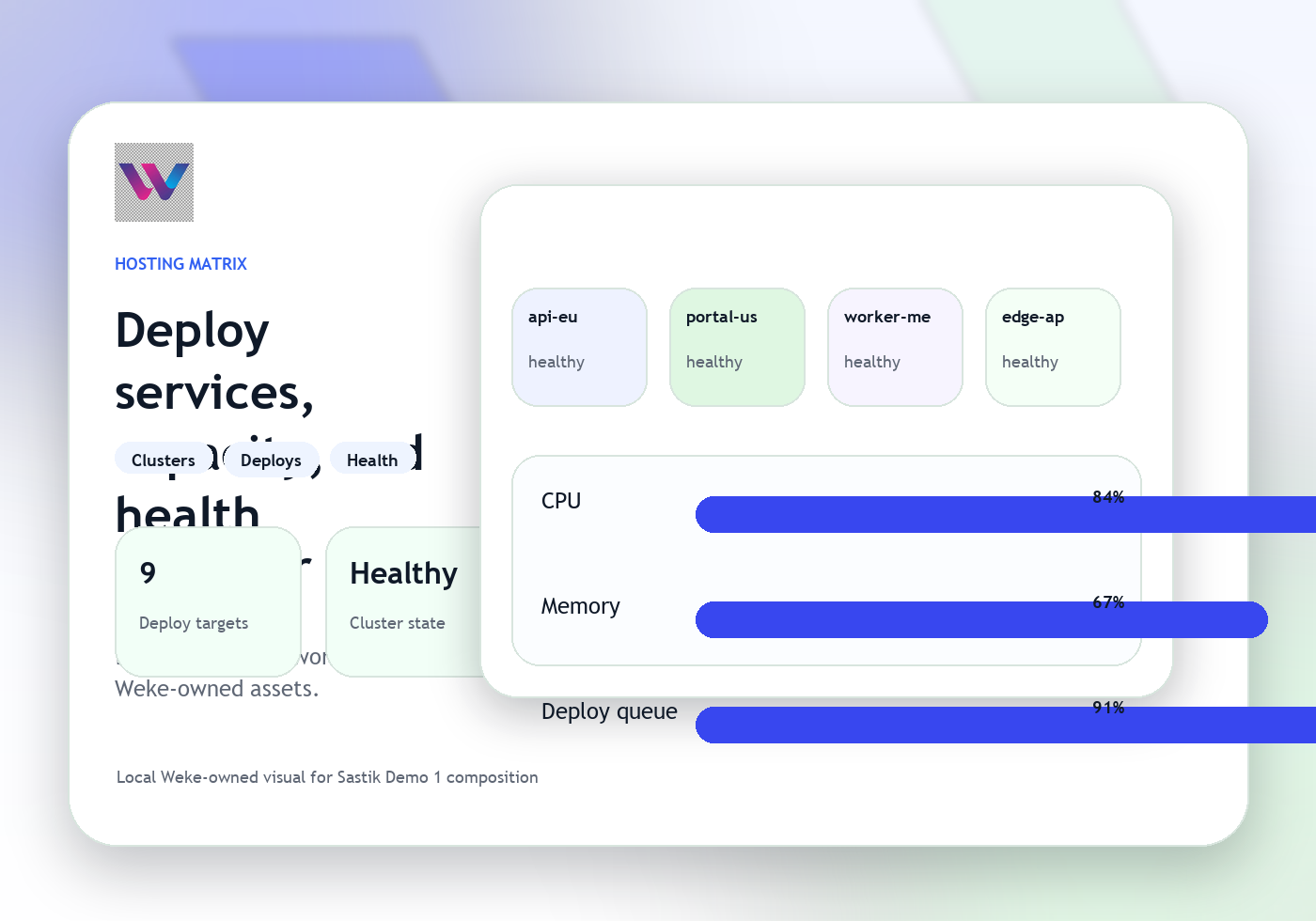
Keep device connectivity tied to the right profile
VPN tracks which access profile, node path, and device state belong to the same secure-network event.
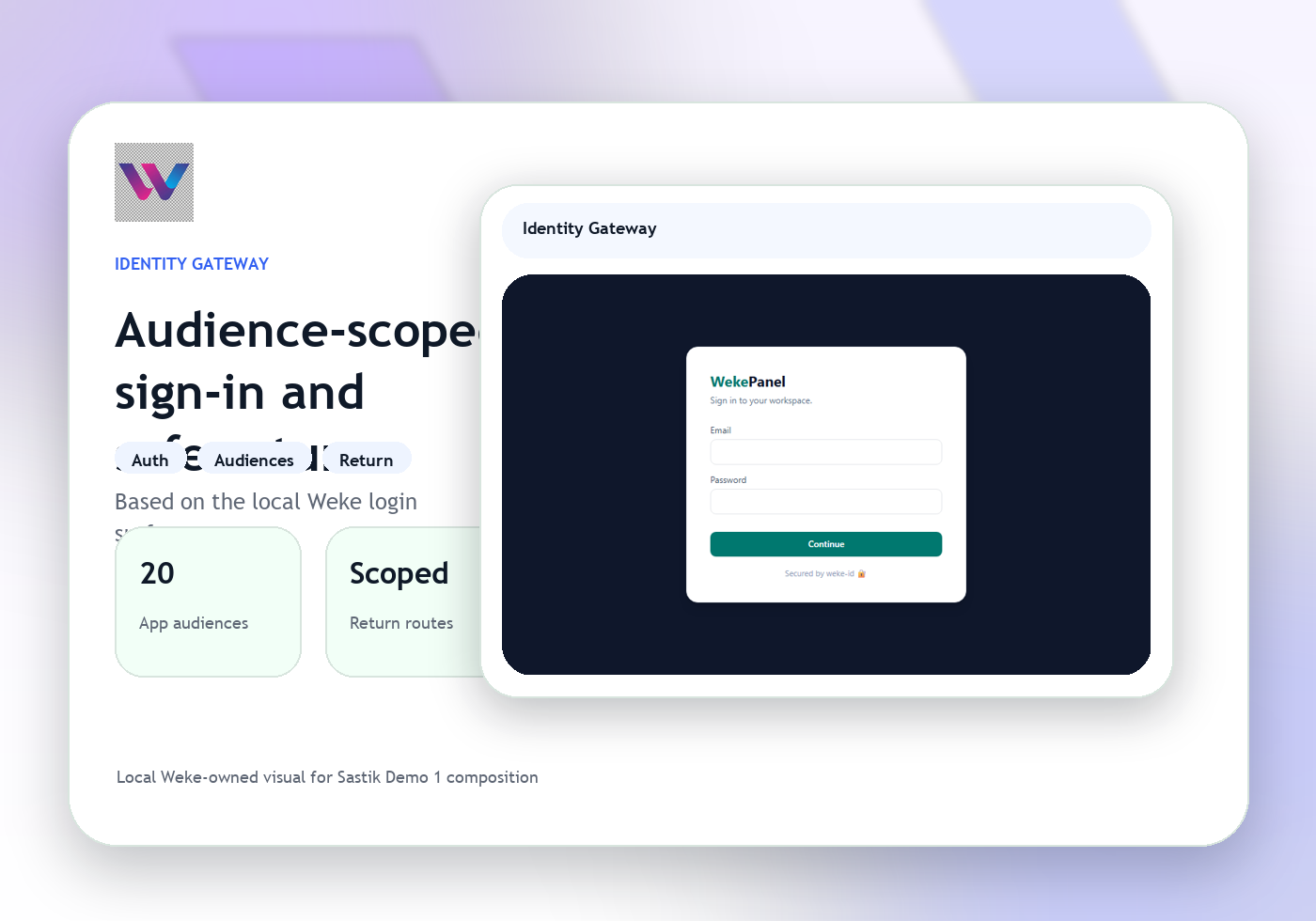
Route the next network action into the right team
When a case needs hosting, identity, or support help, VPN sends the issue forward with the node and profile context preserved.
Weke VPN
Weke VPN Workflow
Follow the three operating steps that keep secure nodes, access profiles, device connectivity, and VPN status moving.
Open the node, profile, and device context
Start with the secure node, active access profile, and device that define the connection path.
Check health, access state, and connectivity changes
Operators review what changed, which path is blocked, and whether the issue belongs to profile, node, or device state.
Advance the secure-network fix with context
The next move becomes a profile update, infrastructure action, or support escalation with the VPN record intact.
Keep secure nodes and access profiles easy to operate
Weke ID handles login and registration for Weke VPN and returns only to https://vpn.wekedev.com/app.